
Custom furniture, from the 3D model to the workshop.
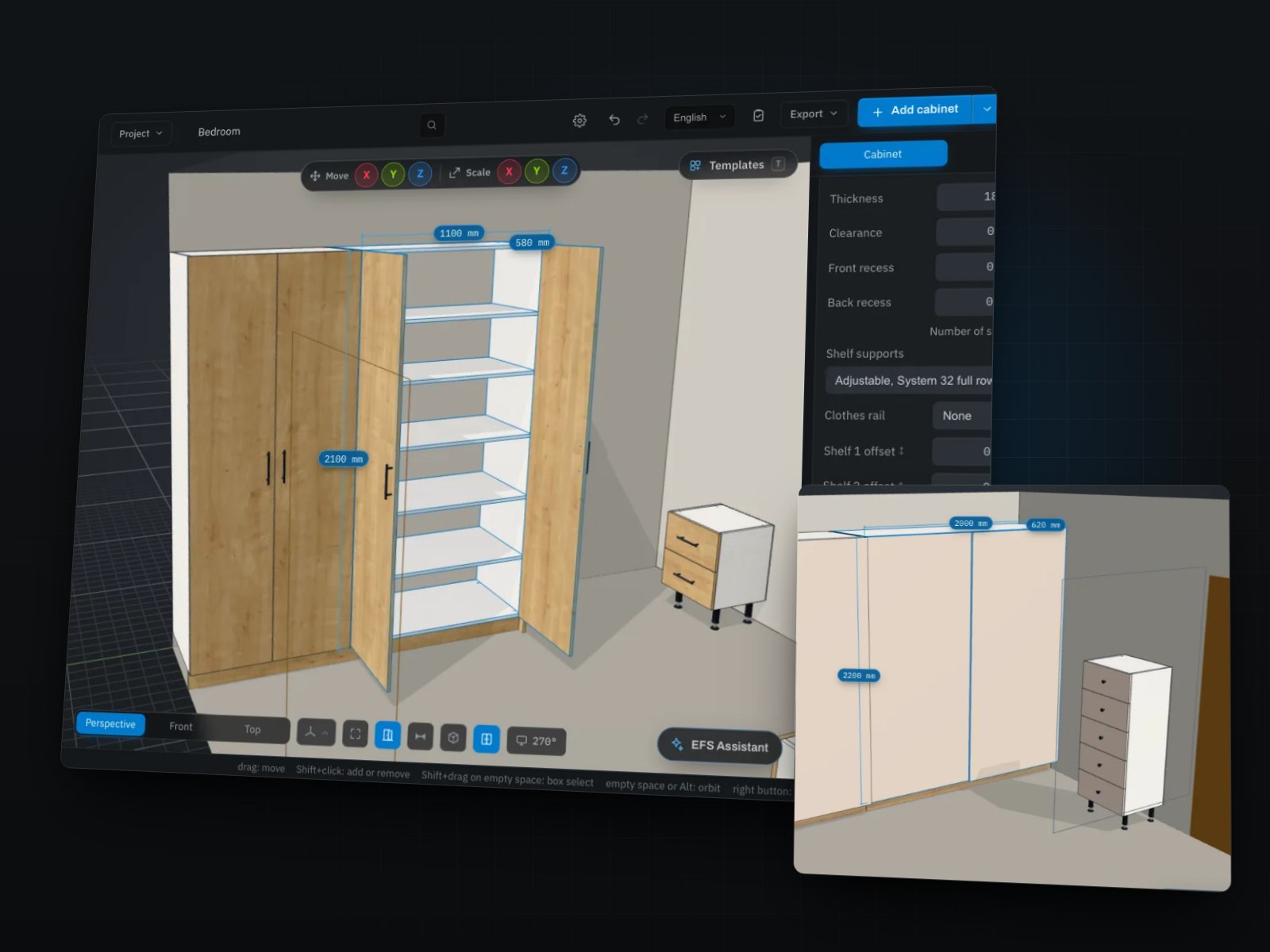
Draw a kitchen or a wardrobe in 3D, and the program makes the cutting list, CNC files and the customer quote.
Everything the workshop and the customer need, from the same project.
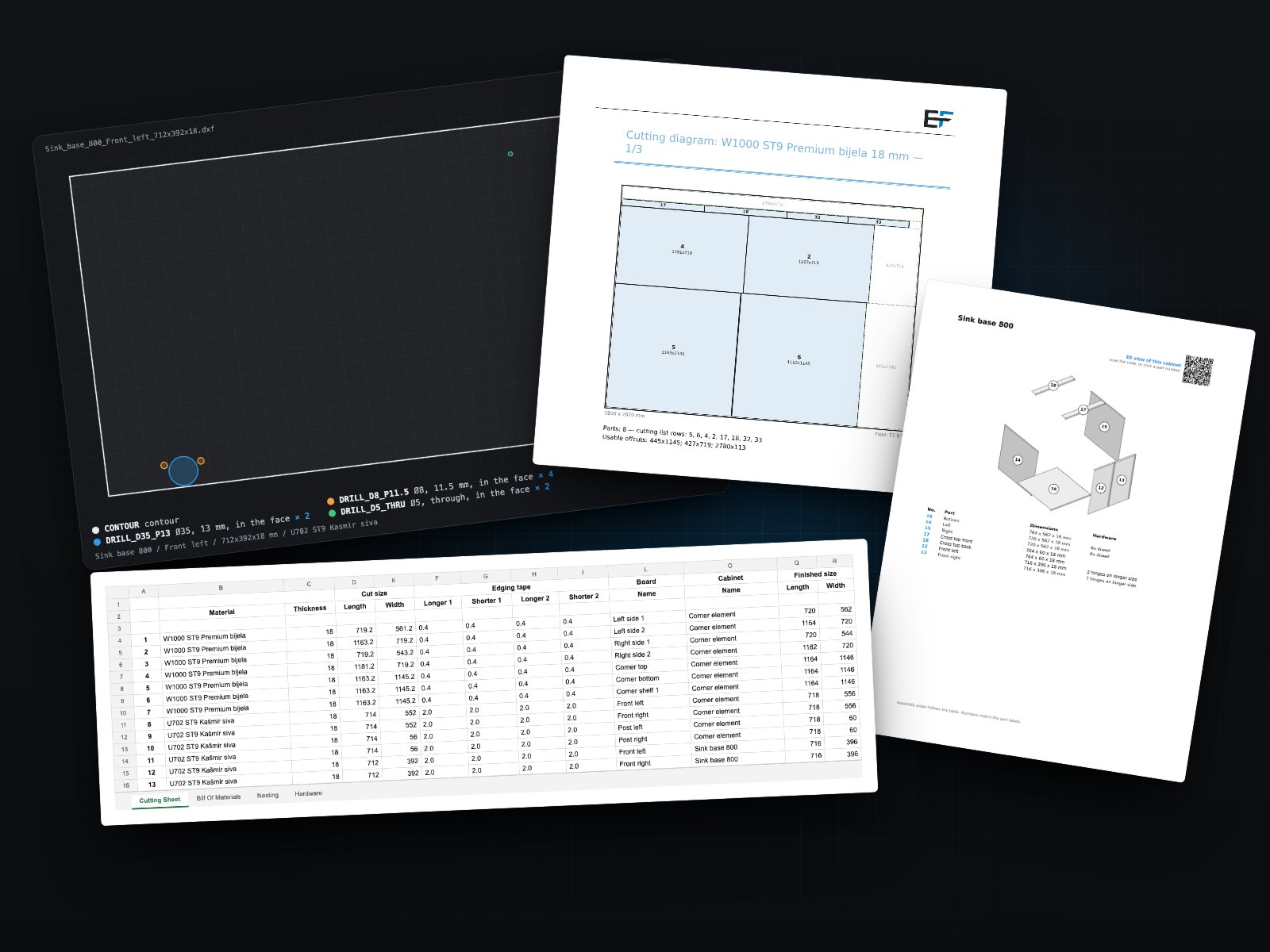
Change a size in 3D and every document on the list updates. Nothing is retyped by hand.
| No. | Output | Format | For |
|---|---|---|---|
| 01 | Cutting list | XLSX · PDF | the workshop |
| 02 | Cutting plan | the saw | |
| 03 | CNC programs | DXF · MPR · CIX | the CNC |
| 04 | Labels with QR codes | the workshop | |
| 05 | Assembly instructions | the fitters | |
| 06 | Material order | CSV | the supplier |
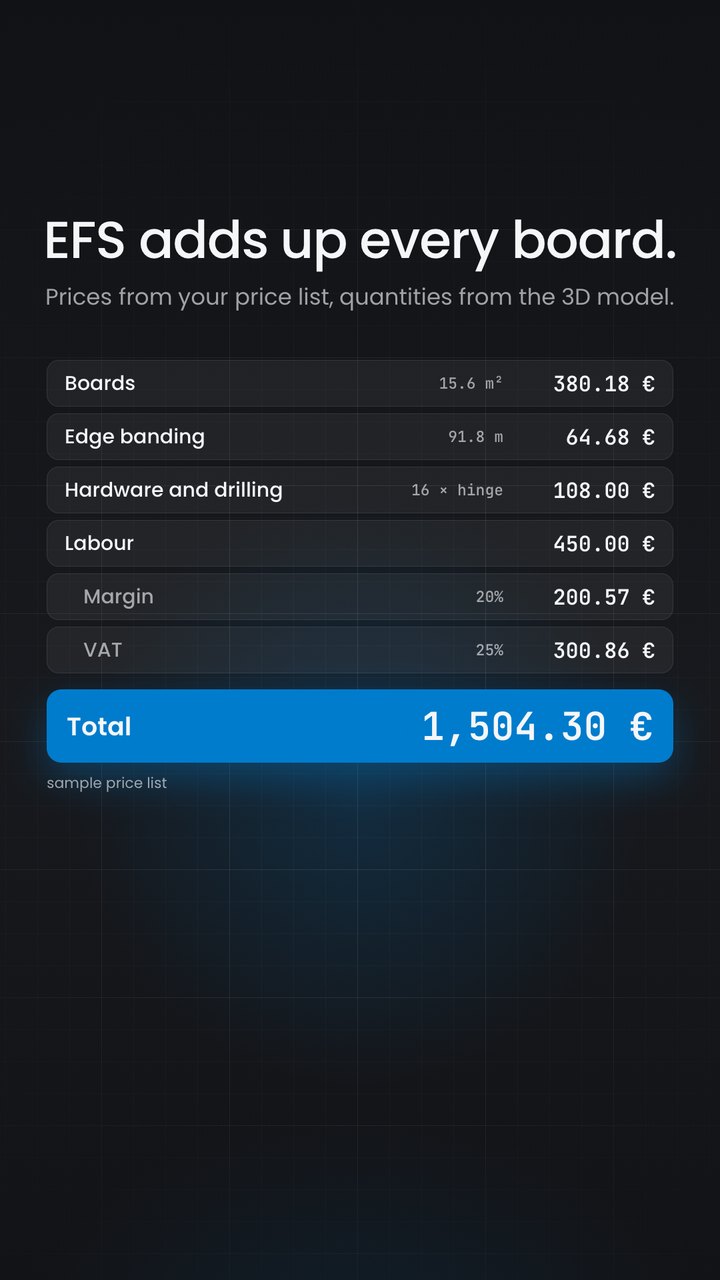
| 07 | Priced quote | the customer | |
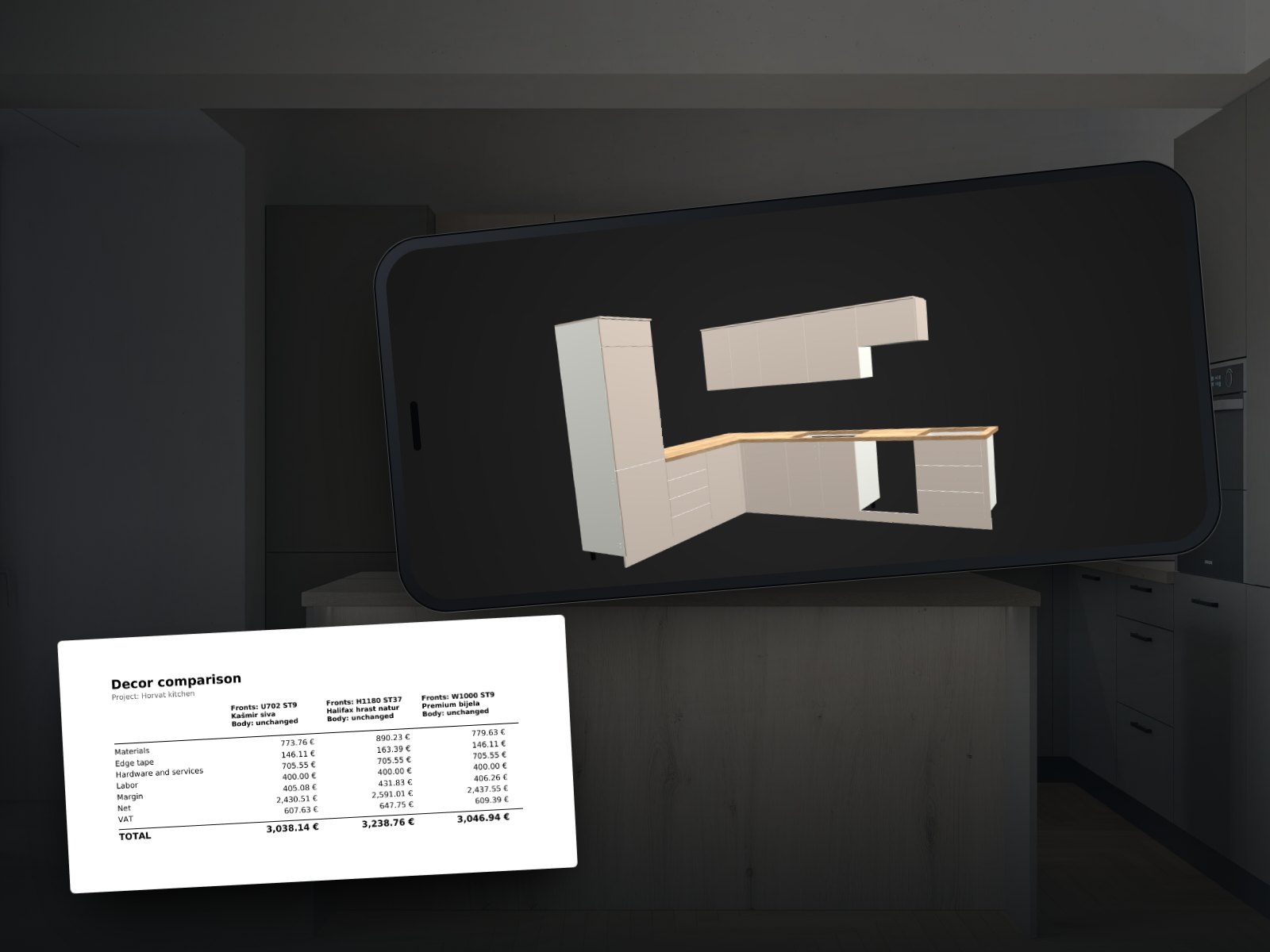
| 08 | 3D view on a phone | WEB · QR | the customer |
| Easy Form Studio 2Sizes in mm | |||
How it works
One 3D model, and from it everything the workshop and the customer need.
1. Design
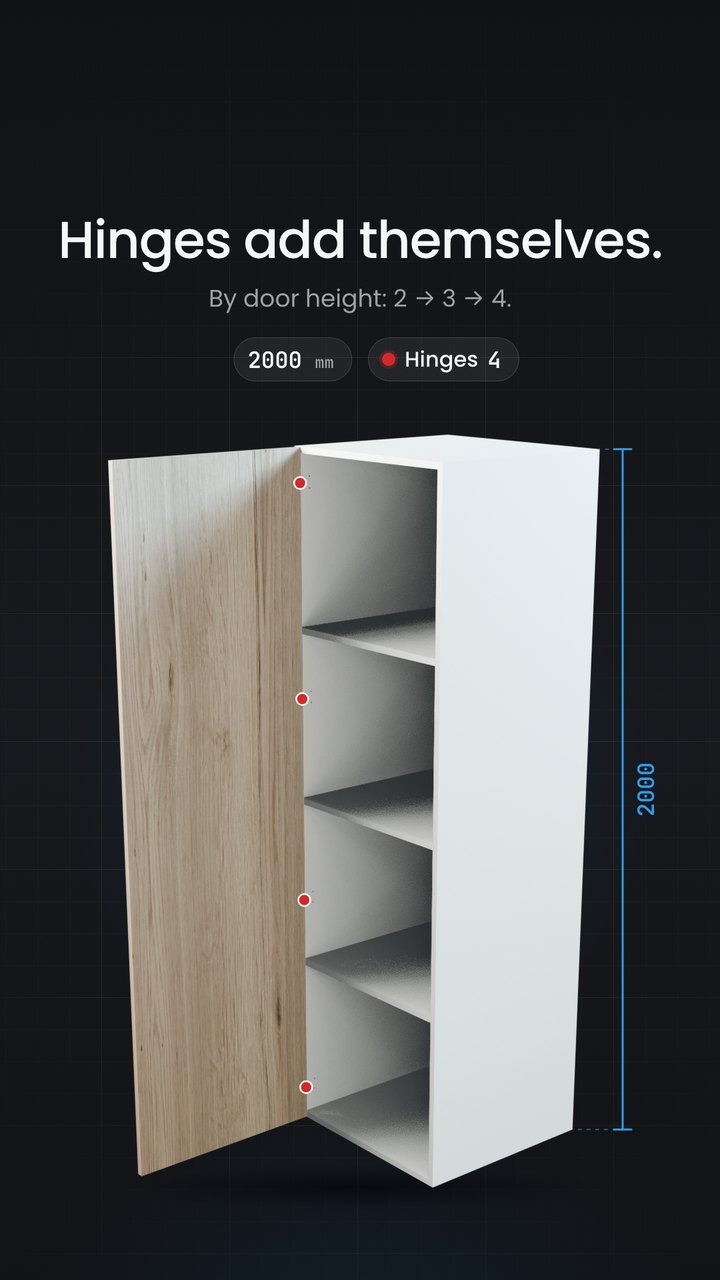
Build a kitchen, a wardrobe or a whole room from 80 templates. Change a size and everything updates.
2. Produce
The cutting list, cutting plan with labels and DXF, MPR or CIX for CNC all come from one model.
3. Show the customer
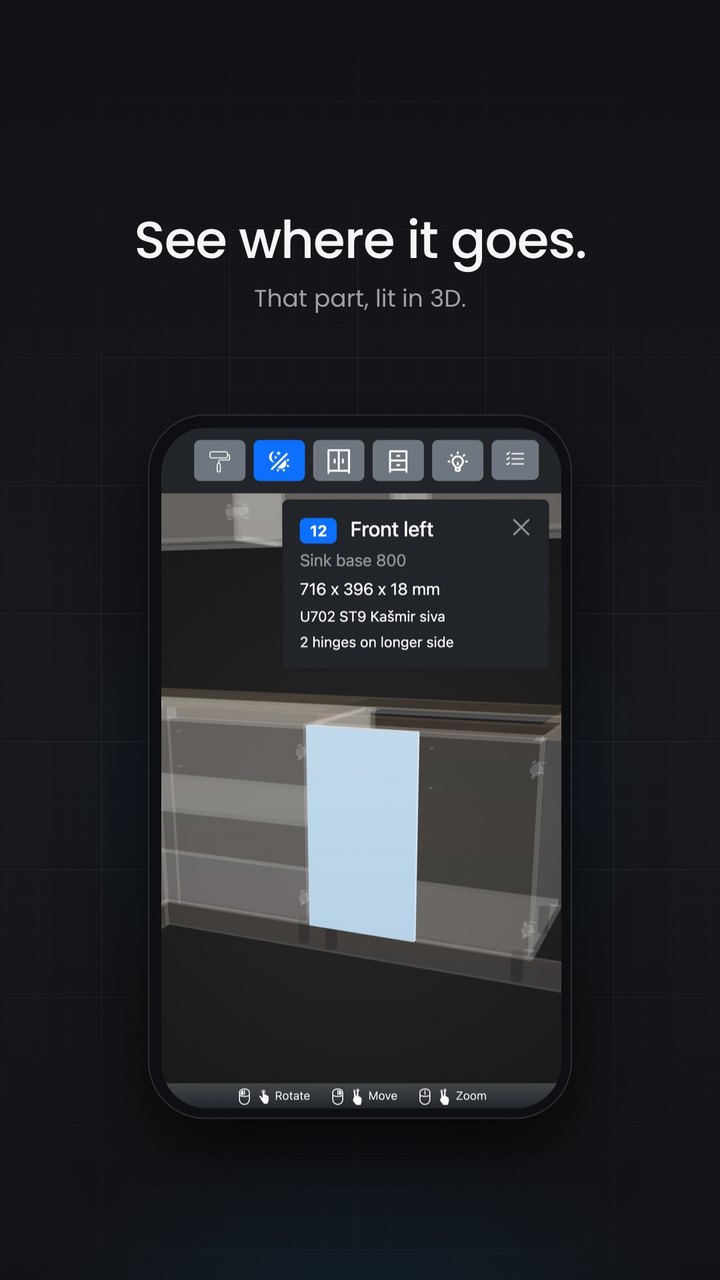
One-click render, a 3D view on the phone through a QR code and a priced quote in PDF.
Easy Form Studio in your browser too
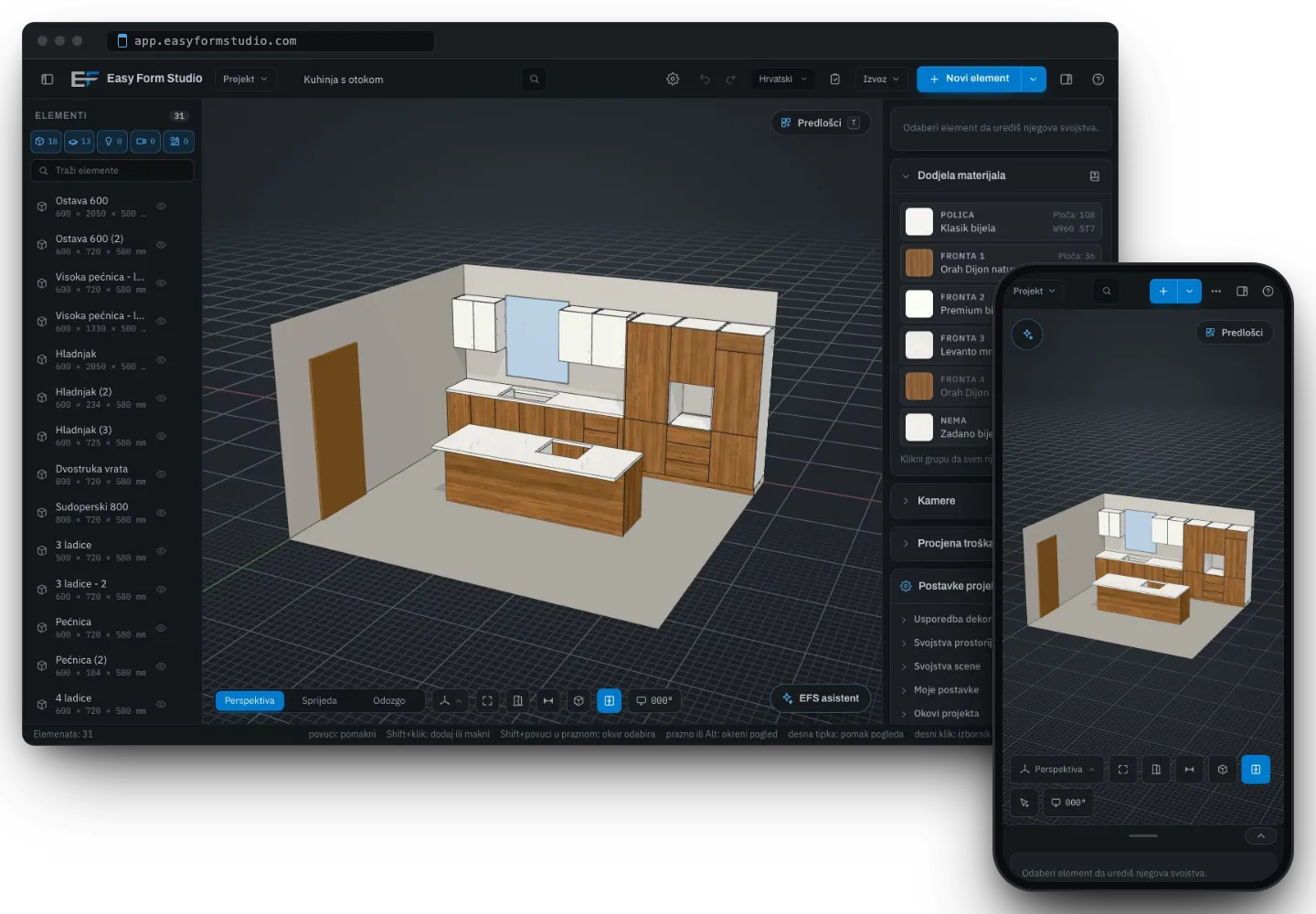
Every licence includes EFS Web. Design, change sizes and export cutting lists and CNC files from the browser, with nothing to install.
- On any computer or tablet
- Projects on the server: open them wherever you sign in
- 29 ready-made kitchen, wardrobe and room projects you can fit to your room
Try EFS Web free for 14 days with the monthly or the yearly plan. You enter a card when you order; cancel within the 14 days and you pay nothing. The desktop app unlocks with the first payment.
Furniture design and every export work in the browser just as in the desktop program. Rendering there is basic; advanced rendering is in the desktop program.
Three ways to work, one licence
| Blender add-on | EasyFormStudio app | EFS Web | |
|---|---|---|---|
| Installation | Blender 4.2+ and the add-on | macOS (Apple Silicon) or Windows x64 | Nothing, just a browser |
| Projects | Files on your computer | Files on your computer | On the server or in the browser |
| Furniture design | All features | All features | All features |
| Cutting list, CNC, PDF | All exports | All exports | All exports |
| Photo-real render | Advanced | Advanced | Basic |
| Works offline | Yes | Yes | No |
EFS in 30 seconds
Short videos, each with one trick from the program. For your first steps there is the Start here playlist.
In your language
Easy Form Studio works in fourteen languages: the program’s interface, the documents it exports and the user manual.
The program
The whole interface in your language, and so are the quote, cutting list, labels and assembly instructions it exports.
User manual
A detailed manual in all fourteen languages: every option explained, with examples and screenshots of the program in your language.
Video tutorials
The video tutorials are available in Croatian and English. Versions in the other languages are in the works.
Rendered in Easy Form Studio
Kitchens, a home office and a living room, designed and rendered in the program.
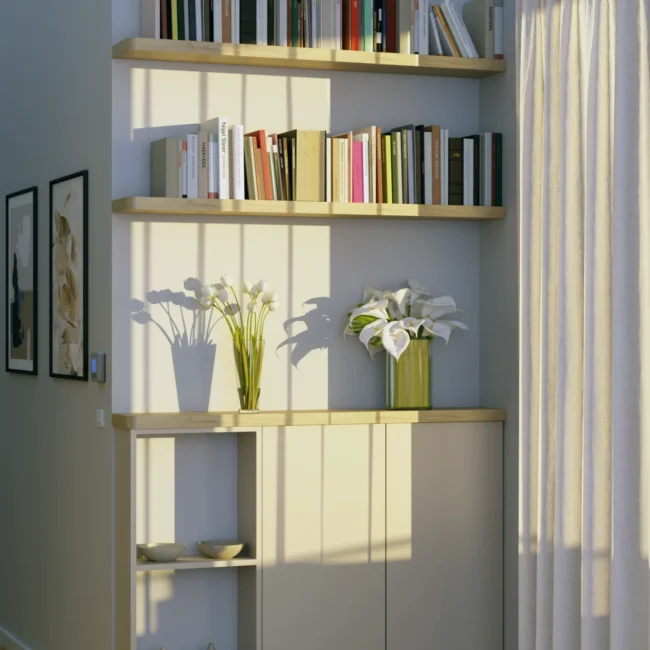
Living room
A floor-to-ceiling wall unit with floating shelves and cabinets. Designed and rendered in Easy Form Studio.
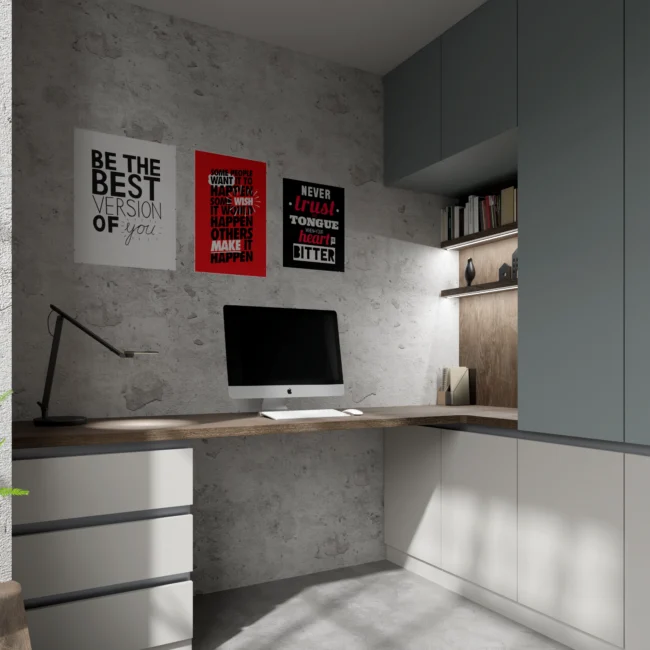
Home office
A home office with a desk, tall handleless cabinets and lit shelves. Designed and rendered in Easy Form Studio.
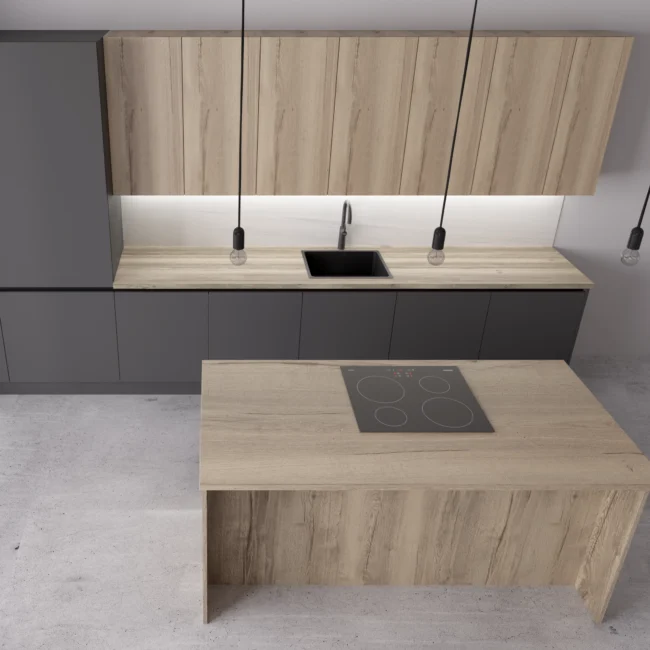
Kitchen
A two-tone handleless kitchen: dark grey base units, wood-grain wall units and worktops, and an island with a hob.
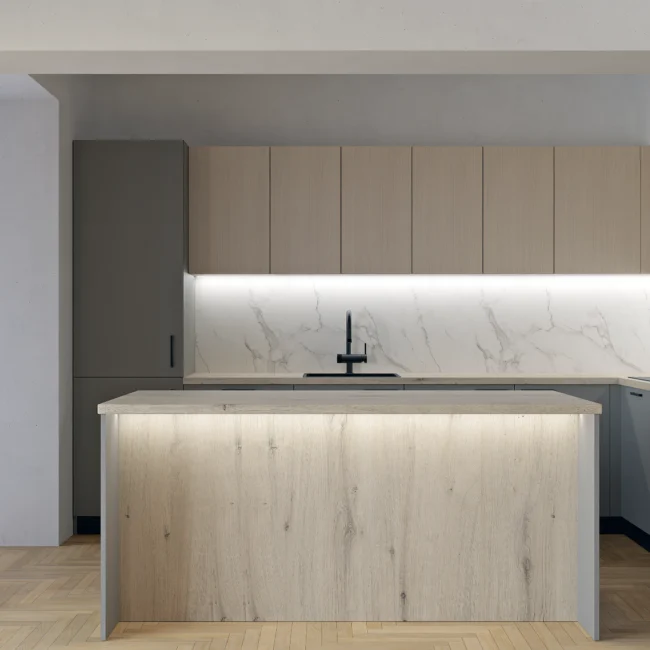
Kitchen
A kitchen with an island: beige handleless wall units, charcoal base units, tall units with ovens and LED lighting under the island.
Who it is for
Cabinet shops
Cutting lists, cutting plans, CNC files and material orders, all from one model.
Kitchens & wardrobes
Templates, rooms with installations, hardware and a priced quote for the customer.
Interior designers
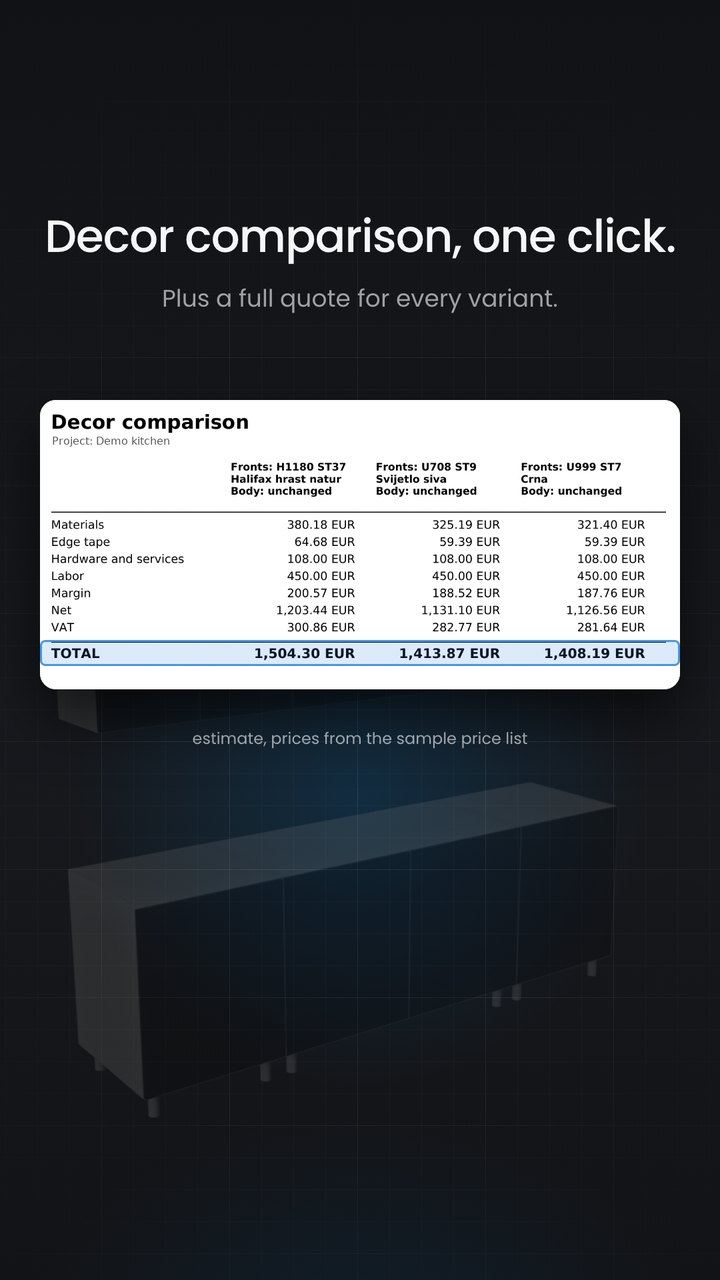
Renders, a decor comparison in three versions and a 3D view the customer opens on a phone.
Hobbyists
Beginners too: a modern tool without overpriced software, with tutorials and a manual from the first cabinet.
Pricing
All plans include every feature, every update and EFS Web in the browser.
Monthly
per month
14 days of EFS Web free
All features, all updates
Desktop from the first payment or at once
Yearly
save 35%per month
Billed €149 once a year
14 days of EFS Web free
All features, all updates
Desktop from the first payment or at once
Lifetime
no subscriptionpaid once
No subscription, ever
All features, all future updates
Works offline too
With the monthly or the yearly plan, EFS Web is free for the first 14 days; the desktop app unlocks with the first payment. Lifetime is charged at once.
Runs on · Windows (x64) and macOS (Apple Silicon), as an add-on for Blender 4.2 and newer, or in a web browser as EFS Web. On a Mac with an Intel processor, EFS runs as an add-on in Blender or in the browser.
Get in touch
We build the program together with the people who use it. We aim to reply within 2 working days.
Your customers design in Easy Form Studio, and you receive a cutting and edging order that your system imports without retyping, with your own board and tape codes. Send us your import specification or a sample file. We build the integration free of charge.
If the user manual, the video tutorials and the FAQ don't cover it, write to us. We answer in English or Croatian.
Describe the bug or the feature you need. We read every suggestion and build many of them into the next version. Every release is described under What's new.

